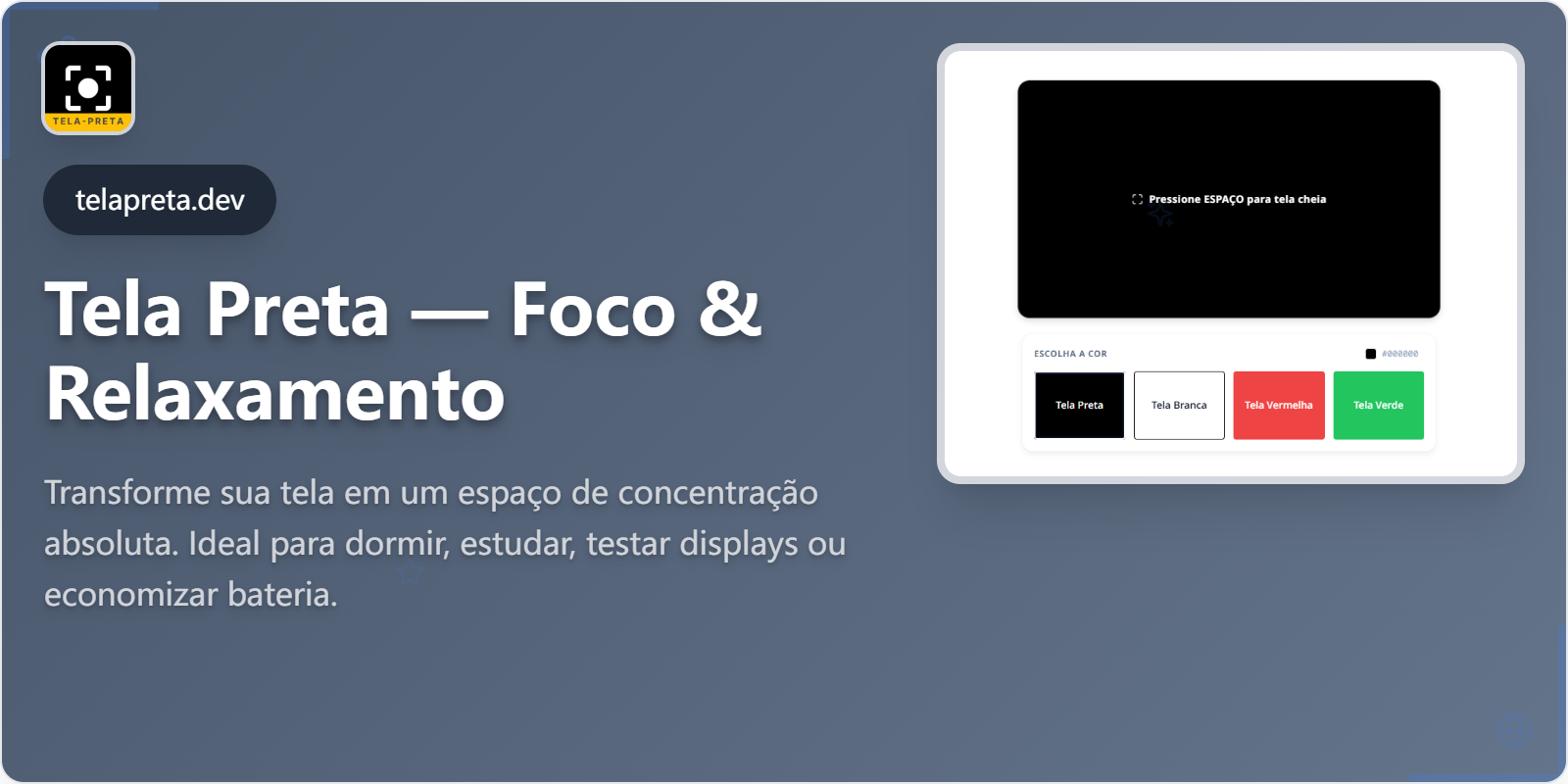
An online tool that transforms any screen into a full-screen black background for focus, relaxation, energy saving, and display testing.
詳細
Overview
Tela Preta is a simple online tool that transforms any screen into a completely dark, full-screen background. Instead of just dimming brightness, its goal is to create a visually clean environment with minimal distractions. With a few clicks, you can use this dark screen for studying, sleeping, saving battery on OLED screens, testing for dead pixels, or simply 'turning off' extra monitors without powering them down. Unlike traditional screensavers, this solution is activated immediately in the browser without installing anything and without depending on the operating system. This makes the tool useful on shared computers, TVs, consoles, or any device with a modern browser. Even though it seems like just 'a black screen,' in practice it solves everyday problems: reducing light in a dark environment, providing visual rest between study blocks, keeping a monitor on without exposing sensitive content, and serving as a base for quick display tests.
Key Highlights
- Transforms any screen into a full-screen black background.
- Activated immediately in the browser without installation.
- Works on any device with a modern browser (computers, TVs, consoles).
- Designed to create a visually clean, distraction-free environment.
- Useful for focus, relaxation, energy saving, and display testing.
- Simple to use: open the page and press the spacebar for full screen.
- Includes options for other solid colors like white, red, and green for comprehensive display testing.
Use Cases
Tela Preta serves several practical purposes across different scenarios.
Focus, Productivity, and Visual Comfort
Use the dark screen on extra monitors while studying or working to reduce peripheral visual stimuli. During breaks, switching to the black background offers quick rest from the intense blue light of screens. If you give online presentations or classes, you can have this page ready to quickly hide personal windows or notifications between content blocks. In home environments, a black screen on a living room TV can gently indicate it's time to end screen time, rather than simply turning off the device.
Energy, Battery, and Environment
On OLED/AMOLED screens, black pixels consume less energy. Using this type of background as a 'standby screen' can reduce consumption while listening to music or podcasts. At night, the dark screen reduces ambient brightness without needing to turn off the device, ideal for visual rest. In offices with multiple monitors, keeping the screen completely dark on unused displays prevents content from secondary windows from being visible to people passing by, without needing to suspend the entire computer. For those concerned with environmental impact, small savings added up—like reducing the time pixels are lit unnecessarily—help decrease electrical consumption over months of use.
Maintenance and Monitor Diagnostics
A black background highlights dust, scratches, and fingerprints, making it easier to clean the monitor without leaving streaks. It helps identify bright 'stuck' pixels and light bleed around the edges when used in conjunction with other test colors. During a complete check, you can alternate between this page, White Screen, and other color screens to notice differences in uniformity, subtle stains, and darker or whitish regions. Technical support teams can use this dark screen as a quick triage step before moving on to more sophisticated tests or advanced calibration tools.
Gaming and Immersion
Use this dark background on secondary monitors to reduce distractions and maintain focus on the main game. On ultrawide monitors, a black background can simulate side 'bezels' when a game doesn't support the full resolution. Games with very atmospheric scenes (horror, exploration, narrative RPGs) become more immersive when no other screen in the room is emitting strong light. This type of background helps maintain that atmosphere without needing to physically turn off each monitor. If you often alternate between gaming and watching streams, you can leave a monitor with this dark screen ready to be activated quickly whenever you want to focus only on the game.
FAQ
Does Tela Preta save battery?
On OLED and AMOLED screens, black pixels practically turn off and consume much less energy. On LCD/LED screens, the savings are smaller, but it can still reduce overall brightness and distractions.
Can I use Tela Preta to prevent burn-in?
Yes. Using a Black Screen while only audio is used (music, podcasts) reduces the display time of static elements and can decrease the risk of burn-in on OLED and plasma screens.
Does Tela Preta help find dead pixels?
It mainly helps highlight bright 'stuck' pixels when they should be off. To check for light stains and light bleed, combine the test with White Screen and other colors.
Is it better to use Tela Preta or turn off the monitor?
To save as much as possible, turning off the monitor is still the best option. Tela Preta is useful when you want to keep the device active (music, downloads, processes) but reduce light and distraction.
評価・レビュー
5.01 rating
コメント
実績


パブリッシャー

Eson
ローンチ日2026/1/26
プラットフォームweb
価格free